Two-Factor Authentication: Your Strongest Shield Against Hackers
Imagine your online account, like your email or social media, is a house. Your password is the main key to the front door. For a long time, we all thought one key was enough.
But what if a thief steals your key? With just one lock, they can walk right in.
This is where Two-Factor Authentication (2FA) comes in. Think of 2FA as adding a second, different kind of lock to your door. This lock doesn’t use a normal key. It requires a special, one-time-use code that only you can get at that exact moment.
Even if a hacker steals your password (your main key), they are stopped at the second lock because they don’t have the temporary code. It’s the single most powerful step you can take to protect yourself from being hacked.
Why Your Password Isn’t Enough Anymore
Hackers have become very clever. They can steal passwords in many ways:
- Guessing: They use computers to guess simple passwords in seconds.
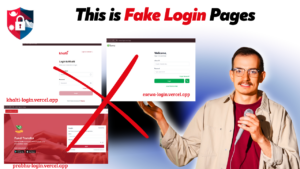
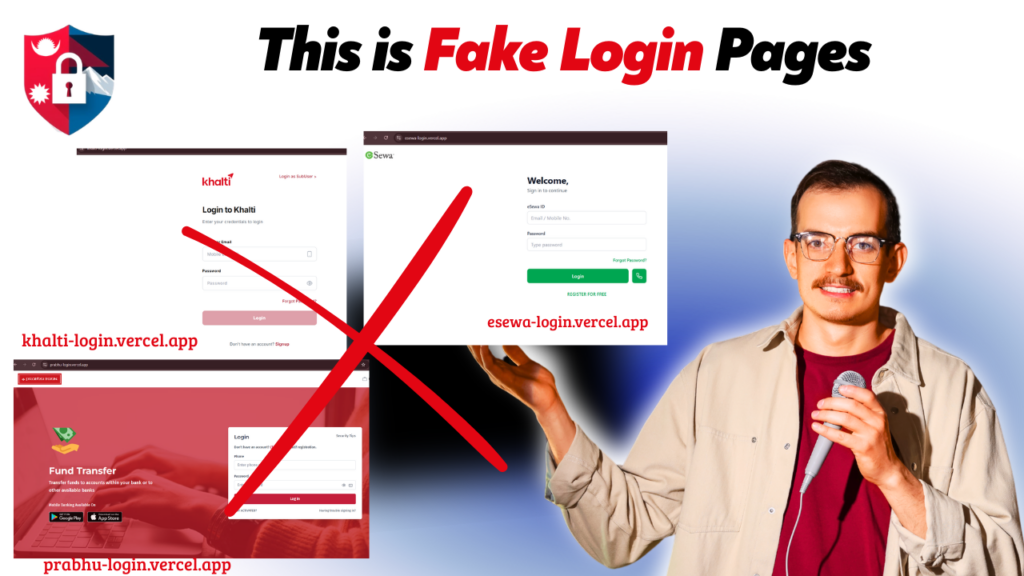
- Phishing Scams: They trick you into entering your password on a fake website.
- Company Data Breaches: A service you use might get hacked, and your password could be leaked online.
If you use the same password in many places, a hacker who gets it can access your entire digital life. But with 2FA enabled, a stolen password becomes almost useless to them.
How 2FA Works (It’s Simpler Than You Think!)
Setting up and using 2FA is very simple. It works in two quick steps:
- You enter your password. This is the first “factor” something you know.
- You provide a second proof. The website or app will then ask for a second “factor” usually something you have, like your phone. You will be sent a temporary, one-time code that you enter to prove it’s really you.
That’s it. Because the code is sent to your phone, a hacker in another country with your password can’t get in. They are stuck outside.
Common Types of 2FA You Can Use
You’ll see a few common options when you turn on 2FA.
- SMS Codes: This is the most popular method. The service sends a 6-digit code to your mobile phone via a text message. It’s simple and convenient.
- Authenticator Apps: This is an even more secure option. You install an app like Google Authenticator or Microsoft Authenticator on your phone. This app generates a new, unique code every 30 seconds. You just open the app and copy the code.
- Push Notifications: This is the easiest of all. Instead of a code, a notification pops up on your phone asking, “Are you trying to sign in?” You simply tap “Yes, it’s me.”
Where Should You Turn On 2FA Today?
You don’t need to enable it everywhere, but you must turn it on for your most important accounts. Start with these three:
- Your Main Email (Gmail, Outlook): Your email is the key to all your other accounts. If a hacker gets in, they can reset all your other passwords. Protect this first!
- Your Social Media (Facebook, Instagram): This stops hackers from taking over your profile, posting inappropriate content, or scamming your friends and family.
- Your Financial Apps (Digital Wallets, Mobile Banking): This is absolutely essential to protect your hard-earned money.
Setting up 2FA takes less than five minutes. Go to the “Settings” section of your favorite apps, find the “Security” or “Privacy” menu, and look for the “Two-Factor Authentication” option. It’s a small step that provides a huge amount of protection and peace of mind. Do it today!